
Get your screen ready, step by step
Choose your device and follow the short guide. Keep the login details sent by support ready.
Android & TV Box
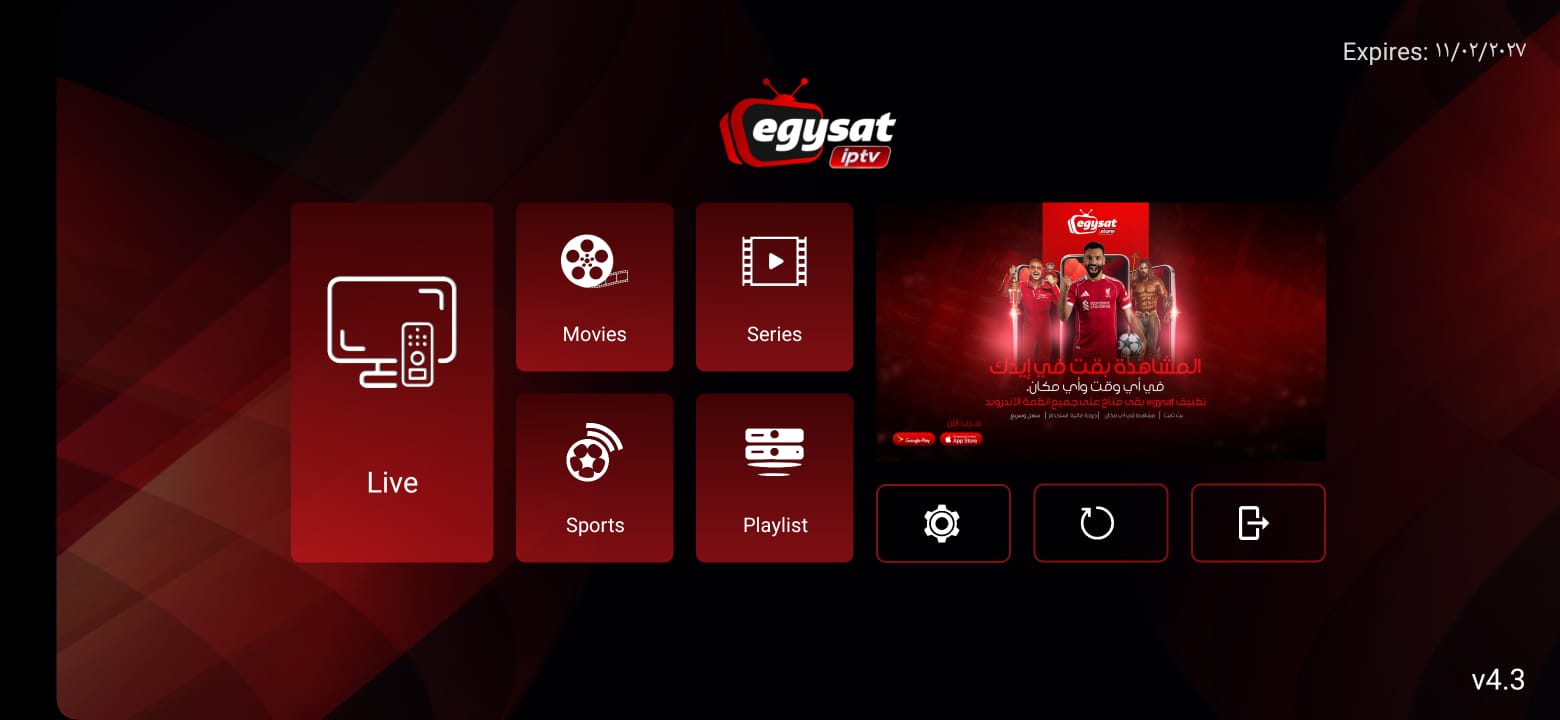
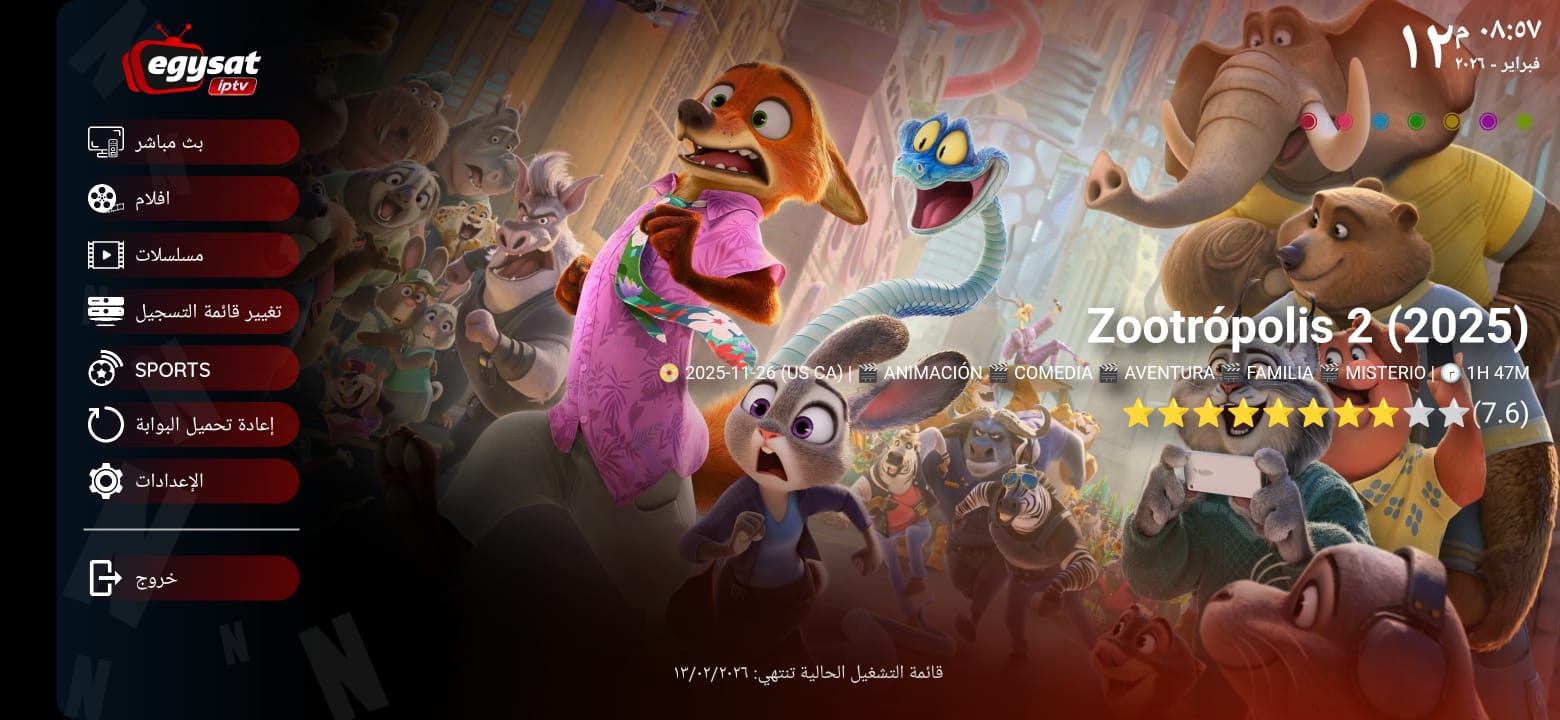
Official EGSAT app
- Install the app
Choose Allow when Android requests storage permission.
- Send the activation keys
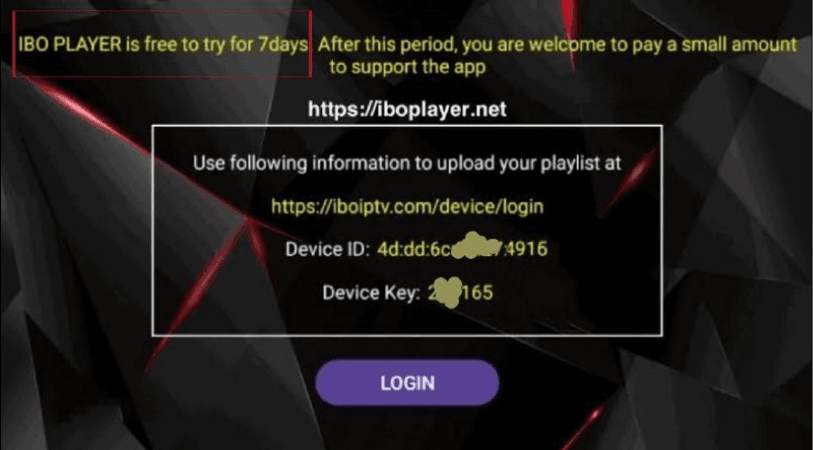
Open the app and send the Mac Address and Device Key to support.
- Wait for activation
Support will confirm when your app and subscription are ready.
Fire TV / Downloader
Install with Downloader
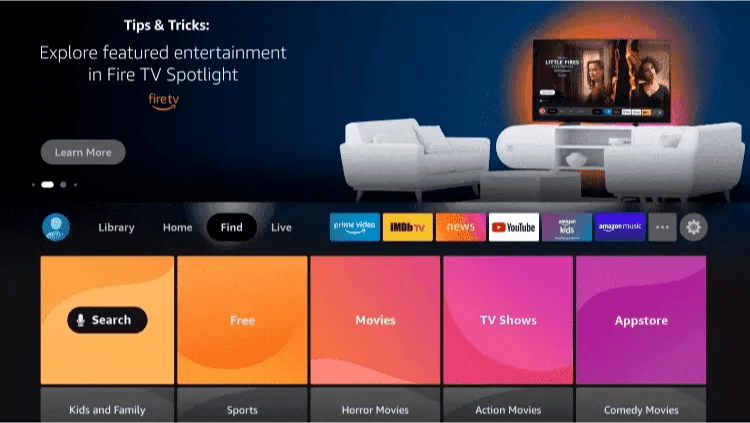
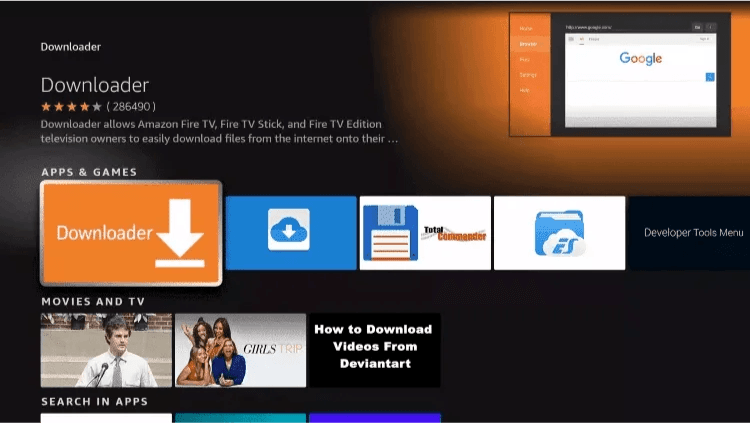
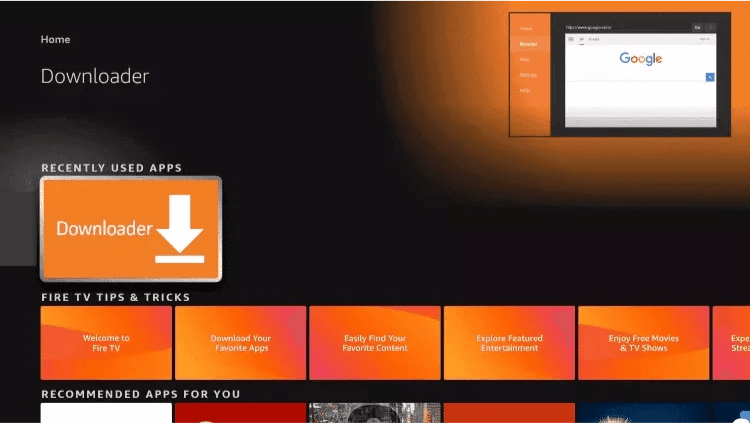
- Search for Downloader
Open your device app store, search for the orange Downloader app and install it.
- Enter the download code
Open Downloader, allow access, then enter code 5192404.
- Install and activate
Install the downloaded APK, open it and send the Mac Address and Device Key.
iPhone & iPad
VAR Player setup
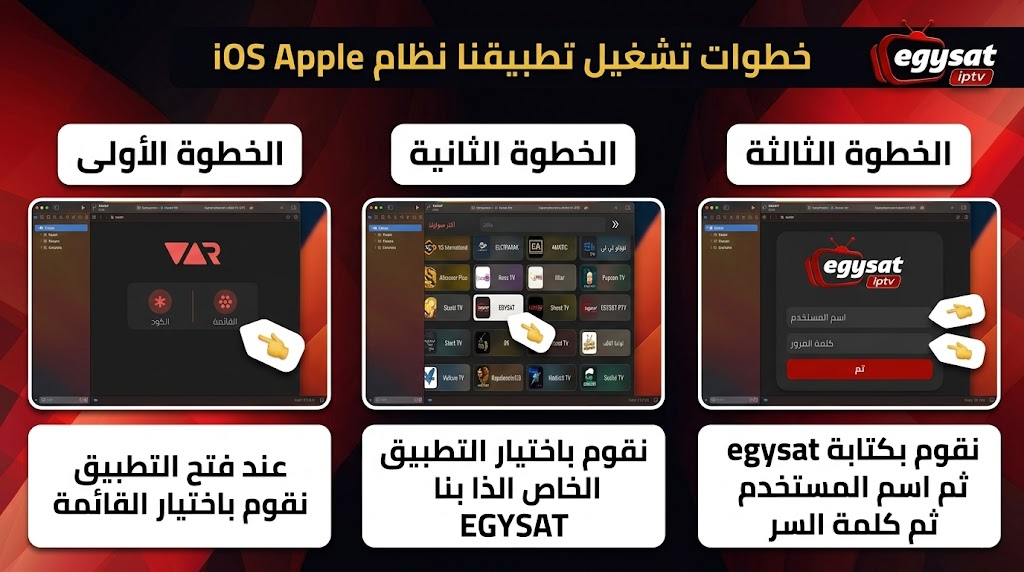
- Install VAR Player
Download VAR Player from the App Store and open it.
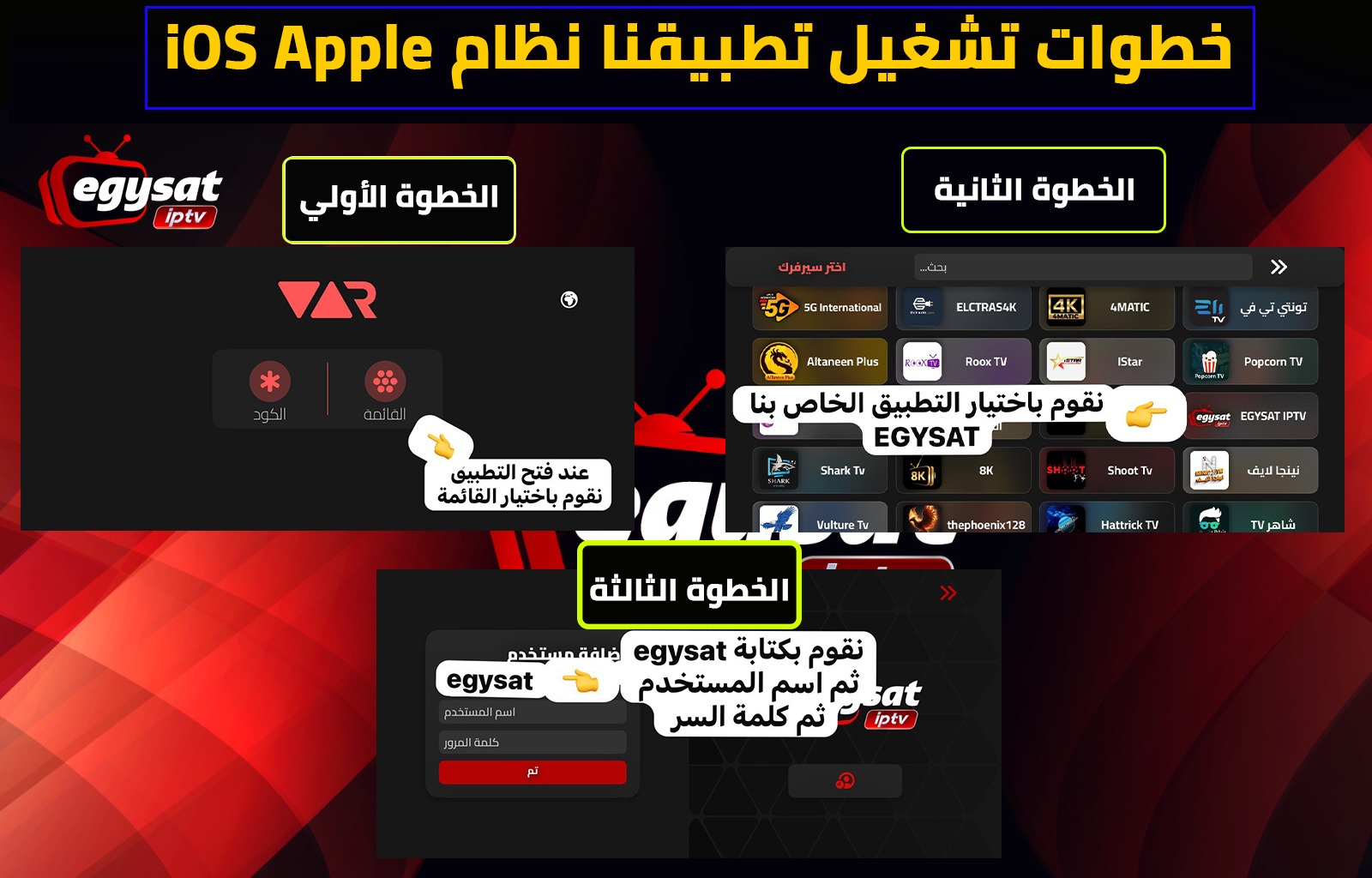
- Choose EGSAT IPTV
Select EGSAT IPTV inside the application.
- Enter the login
Use “egysat” as the name, followed by the username and password sent to you.
Smart TV
IPTV Smarters / player app
- Install a player app
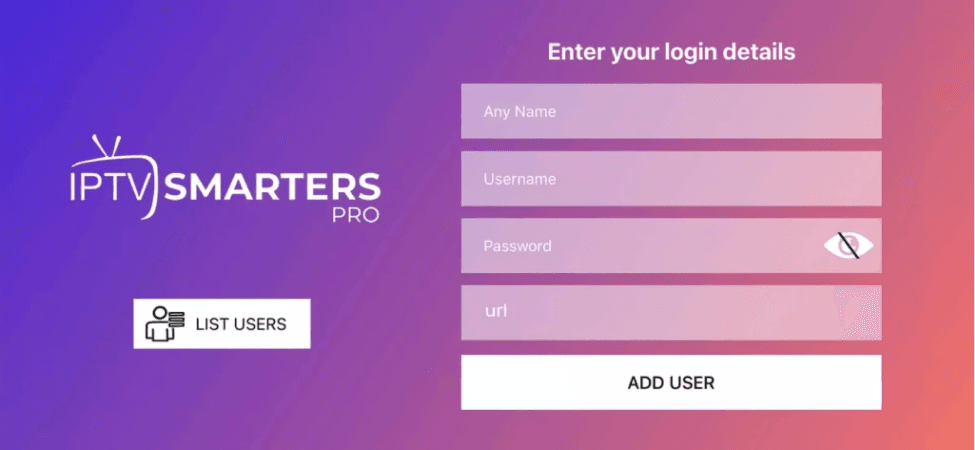
Use IPTV Smarters, Smarters Lite or the app suggested by support for your TV.
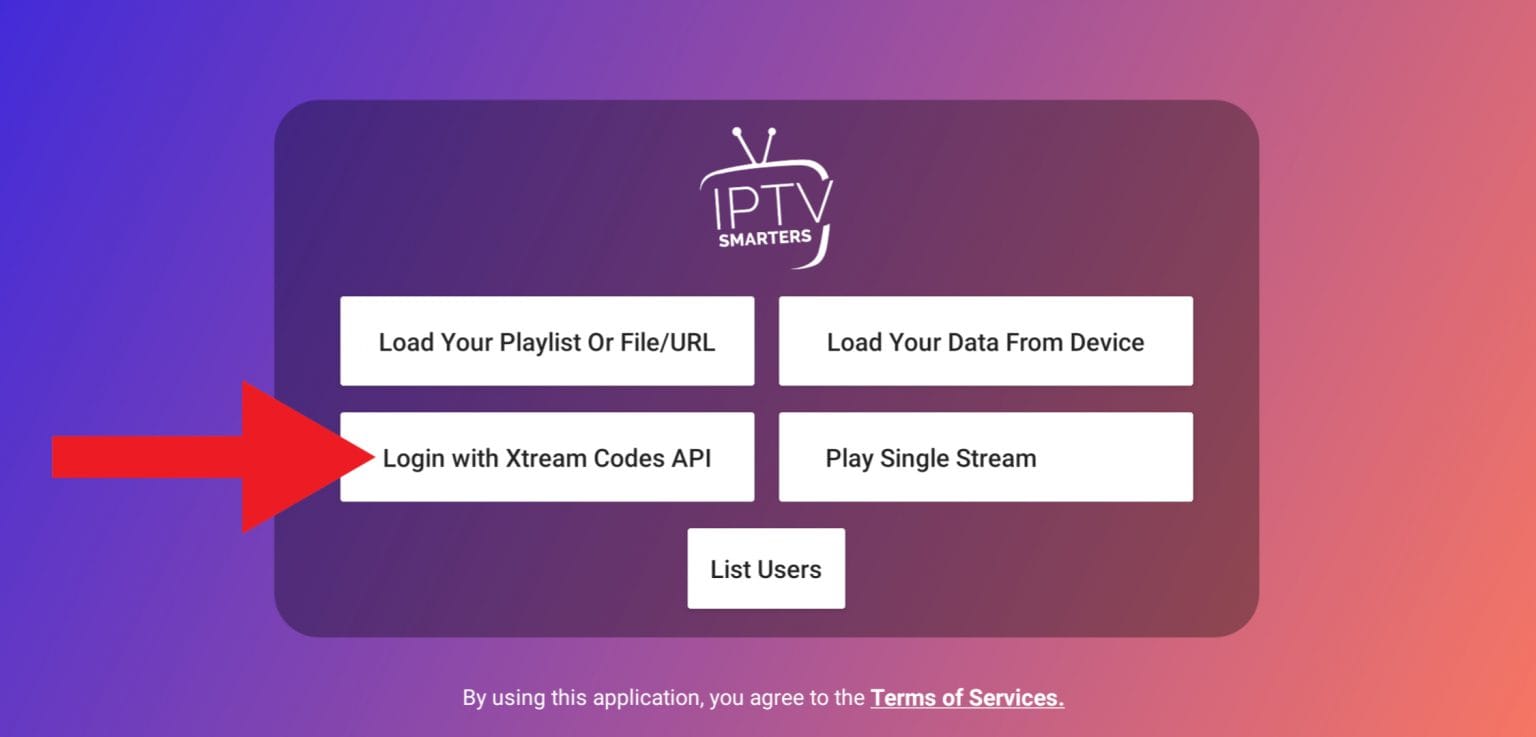
- Choose Xtream Codes API
Select Login with Xtream Codes API and enter the supplied server details.
Windows & Mac
Windows 10/11 and macOS
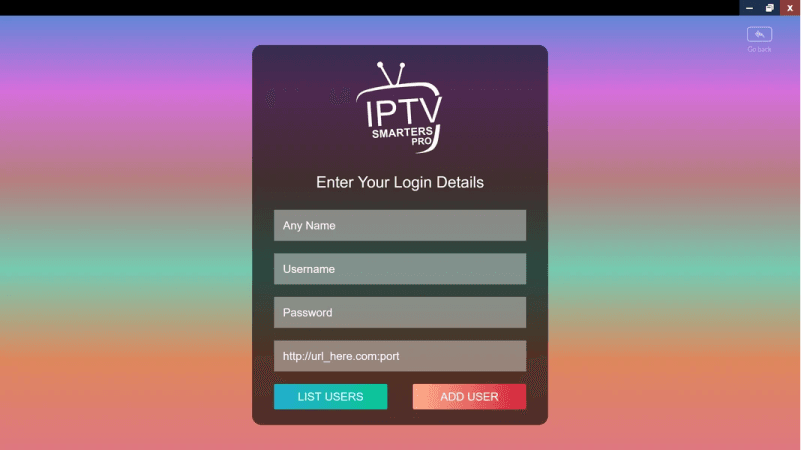
- Install IPTV Smarters
Download the compatible Windows or macOS player.
- Sign in with Xtream Codes
Enter the username, password and server URL sent by support.
MAG device
Portal configuration
- Send the MAG MAC address
Find the MAC address in your device settings and send it to support.
- Enter the portal URL
Support will provide the correct portal URL after activation.

Xtream Receiver
Log in with Xtream Codes
- Open the login
On the receiver open the IPTV or login section, then choose to sign in with the Xtream Codes API.
- Enter the server URL
Type the server URL (host with its port) exactly as support sent it, with no spaces.
- Enter your credentials
Enter the username and password that support sent you.
- Save and sign in
Press save or log in, then wait for the live channels, movies and series to load.